
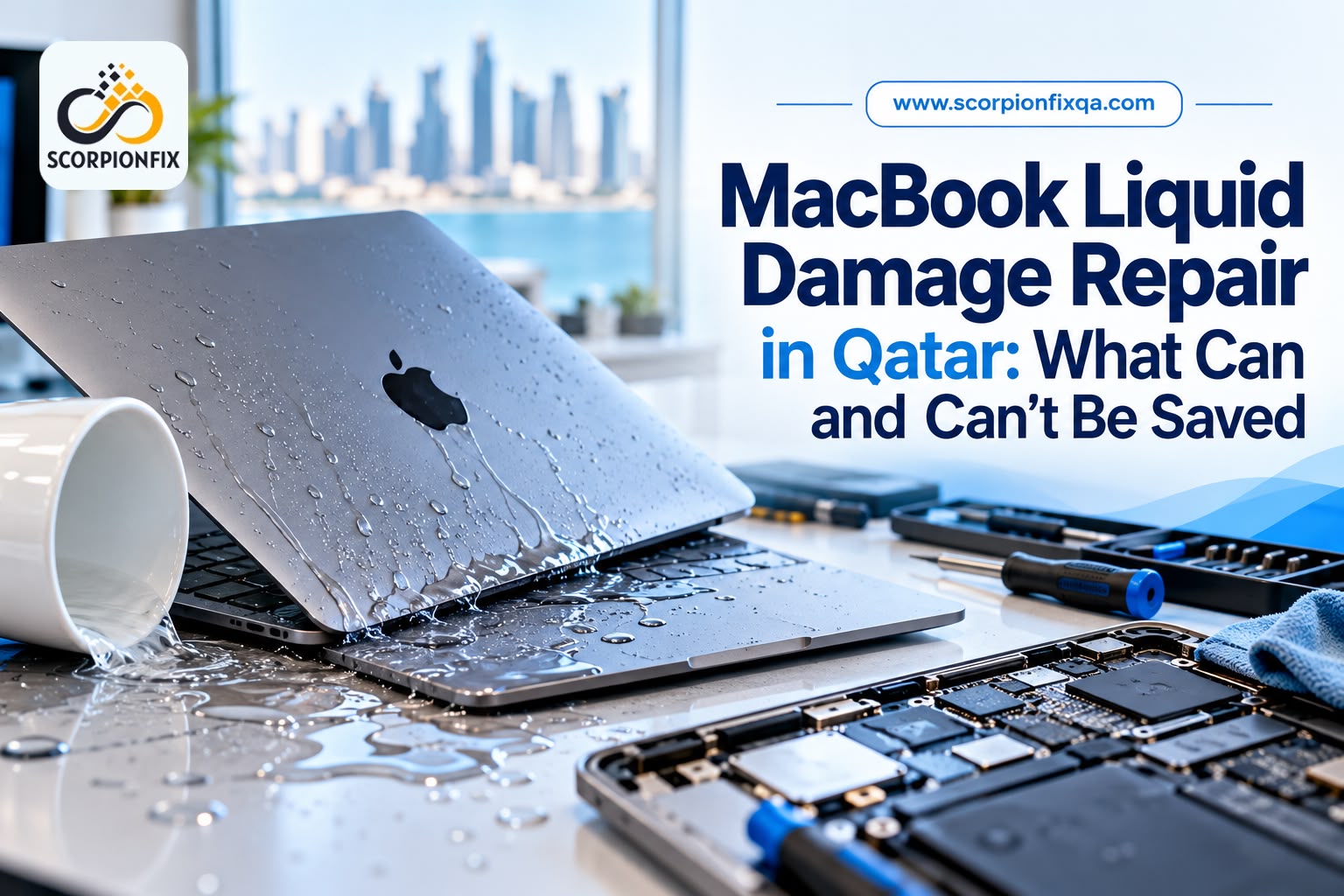
MacBook Liquid Damage Repair in Qatar: What Can and Can’t Be Saved
MacBook Liquid Damage Repair in Qatar can be necessary when liquid spills on your MacBook. It could be iced drinks sweating on a café table, karak spilling at your desk, or moisture forming after moving from a hot car into an air-conditioned office. If liquid has reached your MacBook, you may be wondering what can still be repaired and what cannot be saved.
MacBook liquid damage repair depends on the type of liquid, how long it has been inside the device, and which components it has affected. Some MacBooks can be repaired successfully, while others may have damage that is too serious or costly to fix. If the spill has just happened, first read our guide on what to do in the first hour after a spill, then return here to understand your repair options.
This guide explains which MacBook parts can often be saved after liquid damage, when repair may not be worthwhile, how data recovery works, and what affects repair cost and time in Qatar.
Why Liquid Damage Gets Worse After the Spill
Liquid damage does not stop when the liquid dries. Minerals, sugar, and salt can remain inside the MacBook and slowly corrode metal contacts over the next few hours or days. A Mac can continue working for days or even weeks before it stops working.
Two main factors affect how serious the damage becomes:
- Type of liquid: Plain water, tea, and black coffee are generally easier to deal with. Sugary drinks, milk-based drinks, and salt water can leave sticky or conductive residue, making the damage harder to repair.
- Power supply: If the battery remains connected, electricity can continue flowing through wet areas of the board. This can speed up corrosion and increase the risk of short circuits.
What Can Usually Be Saved
Repair is more likely to succeed when the spill affects only a small area and the MacBook is checked early. The final result depends on which components the liquid has reached and how much damage has occurred.
| Component | Usual outcome | What decides it |
| Keyboard, trackpad, top case | Often replaced as a unit | Sticky residue or corrosion under the keys |
| SSD / storage | Often remains unaffected | Whether liquid reached the connector or nearby board area |
| Ports and connectors | Cleaned, or replaced if corroded | Visible corrosion on the connector pins |
| Logic board with limited, early damage | Often repairable | How far corrosion has spread |
Logic board repair involves cleaning the board and replacing damaged components instead of automatically replacing the entire board. Read our MacBook logic board repair guide to learn how this repair works and when it may be worth the cost.
What Often Can’t Be Saved
Some liquid damage is too extensive to repair reliably or may cost more to fix than the MacBook is worth. Understanding these situations can help you make a better decision before approving a repair.
- Heavily corroded logic boards – If corrosion has spread across many components, the repair may be too expensive or may not provide a reliable long-term result.
- Boards powered on repeatedly after a spill – Restarting a wet MacBook can cause additional short circuits and make the damage worse.
- Soaked batteries and displays – These are usually replaced, not cleaned, and a display that took liquid can fail again later.
- MacBooks left untreated for days or exposed to salt water or sugary drinks – The longer residue remains inside, the greater the chance of corrosion and permanent damage.
A technician should explain honestly when a repair isn’t worth it, protecting you from a poor outcome. Clear advice helps you avoid spending money on a repair that may not last.
Can You Recover Your Data from a Liquid-Damaged MacBook?
Repairing your MacBook and recovering your files are two separate tasks. Your chances of recovering data depend partly on the Mac’s age and how its storage is designed.
| Mac generation | Storage | Data outlook |
| Older Macs (roughly 2015 and earlier) | Removable SSD | Often easier because the drive may be removed and read separately |
| T2 Intel Macs (roughly 2018–2020) | Soldered, encrypted | May require repairing the original board so the Mac can start and unlock the data |
| Apple Silicon (M1 and later) | Soldered, encrypted | Similar to T2 Macs; replacing the board usually makes the original data inaccessible |
On T2 and Apple Silicon Macs, encryption is tied to the original hardware. That is why a replacement logic board usually means the old files cannot be read, even though the storage chips are intact, according to data recovery specialists such as Gillware and Prime Tech Support. Recovery on these models usually means repairing the original board, which is not always possible.
A recent backup is one of the best ways to protect your files. Check your backup before taking further action:
- Open System Settings → General → Time Machine and check the date of your most recent backup.
- Open System Settings → [your name] → iCloud and review which items are synced. Remember that iCloud does not back up everything.
If you do not have a recent backup, avoid repeatedly turning on your MacBook. Get a professional assessment first, especially if the files are important.
🟨 At ScorpionFix, we offer data recovery for lost, corrupted or inaccessible files where recovery is possible. We do not open your files unless it is necessary for diagnostics or you have given permission.
How Technicians Repair a Liquid-Damaged MacBook
A proper repair involves more than drying the device. Technicians need to check for corrosion, clean affected areas, and test the comp keyboard for residueonents before returning the MacBook.
- Inspection with the power disconnected – The technician opens the MacBook and disconnects the battery. They then check the logic board, connectors, and keyboard for discolouration and corrosion.
- Cleaning – Clean affected areas using high-purity isopropyl alcohol. Some technicians recommend alcohol with a concentration of 90% or higher. If liquid has reached beneath components, an ultrasonic cleaner may be used to clean areas a brush cannot reach.
- Microscope inspection – The technician examines the board under magnification to find corroded pins and damaged components. Where possible, affected components are replaced.
- Component testing – The battery, keyboard, trackpad, display, and ports are checked. Parts damaged by liquid may need to be replaced.
- Final testing – The MacBook is powered on carefully and tested before it is returned. Even if it starts successfully, further checks are important because liquid damage can cause problems later.
A repair shop that only promises to dry the MacBook quickly may be skipping important inspection and cleaning steps.
What Affects Liquid Damage Repair Cost and Time in Qatar?
There is no fixed price for every liquid-damaged MacBook. The repair cost and turnaround time depend on the extent of the damage and the work required.
- Type of liquid – Sugary, salty, and milk-based drinks often take more effort to clean than plain water.
- Time since the spill – Early cleaning may be simpler than repairing corrosion that has spread.
- Number of affected components – Replacing a keyboard is usually a smaller job than repairing the logic board and replacing the battery or display.
- MacBook model and generation – Newer models have more integrated components, which can make some repairs more complicated.
- Data recovery needs – Recovering files may require additional work on the original logic board.
A free diagnosis should come first, followed by a quote so you know the expected cost before approving the repair. For starting prices on common repairs, read our MacBook repair cost guide for Qatar. For more information about faster repair options, see our guide to same-day MacBook repair in Doha.
Does Apple Cover Liquid Damage?
Apple’s support page on liquid damage to Mac computers states that “damage to Mac computers and accessories due to liquid exposure is not covered” by the warranty. AppleCare plans for Mac include accidental damage protection, subject to a service fee and tax. Check your own plan to confirm what is covered.
Current Mac laptops also have Liquid Contact Indicators that help service providers identify whether liquid has reached the inside of the device. You can choose Apple, an authorized service provider, or an independent repair shop. Our guide to authorized vs. independent MacBook repair in Qatar explains the differences.
Repair or Replace? How to Decide
Before deciding whether to repair or replace your MacBook, consider these four questions:
- Do you have a backup? If your files are backed up, the decision may mainly depend on repair cost. If not, recovering your data may be a priority.
- How much damage has occurred? Replacing a damaged keyboard is very different from repairing a logic board with widespread corrosion.
- How old is your MacBook? A costly repair may not be worthwhile for an older model.
- How does the repair cost compare with replacement? Ask for a written quote that includes the diagnosis and the work required, then compare it with the cost of a suitable replacement.
- .
Why People Choose ScorpionFix for MacBook Liquid Damage Repair in Doha
Choosing who repairs a liquid-damaged MacBook matters as much as the repair itself. Here is how we work, and what you can expect from us.
- Over 10 years in device repair – Our team of 15+ staff has repaired thousands of devices, and our technicians work on all MacBook models.
- Liquid damage is a service we specialize in – We inspect the damage first, then recommend whether to repair or replace the affected parts.
- Logic board diagnostics – We diagnose motherboard and logic board faults, which can be affected when liquid reaches the board.
- Free diagnosis and a quote before any work begins – You know the likely cost and the options before you approve anything, with no hidden charges.
- Your data is treated carefully – We offer data recovery where possible, and we do not access your files unless it is necessary for diagnostics or you give permission.
- Convenient and fast – Most MacBook repairs are completed within 24 hours, depending on complexity and parts availability, and common repairs such as battery replacement can sometimes be done the same day. Free pickup and delivery are available.
- Repairs come with a warranty – Our MacBook repairs are backed by a 3–6 month warranty.
- Local and easy to reach – Our service centre is in Doha (Sofitel Complex, Wadi Msheireb Street) and we serve customers across Qatar, including Doha, Umm Salal, Al Rayyan and Al Wakrah.
See our MacBook repair service in Qatar for the full range of repairs we handle.
FAQs
Can a water-damaged MacBook be fixed?
Often, yes. Repair is more likely to succeed when the damage is limited and the MacBook is checked early.
Can a MacBook be repaired if it was left for days after the spill?
Sometimes, but the chances of success may decrease as corrosion spreads. A technician needs to inspect the device to assess the damage.
Is liquid damage covered under Apple’s warranty or an AppleCare plan?
The standard warranty does not cover liquid damage. An AppleCare plan for Mac includes accidental damage protection subject to a service fee, so check the terms of your plan.
Will I lose my data if the logic board is replaced?
On T2 and Apple Silicon Macs, replacing the logic board usually means the old data cannot be accessed because encryption is tied to the original hardware. Repairing the original board and keeping a current backup are important.
Will a liquid-damaged MacBook work reliably after repair?
It can, provided affected parts are properly cleaned or replaced and the MacBook is tested. A device that has only been dried without a proper inspection may still develop problems.
How long does MacBook liquid damage repair take?
Simple repairs involving part replacement may take about a day. Repairs that require logic board work can take several days, depending on the damage.
Can the battery or keyboard be replaced separately after liquid damage?
Yes. However, the technician should also inspect the logic board because the liquid may have reached other internal components.
Get Your MacBook Liquid Damage Checked in Doha
What can be saved after MacBook liquid damage depends on the type of liquid, how long it has been inside the device, and the age and design of your MacBook. Repairing the device and recovering your data are separate tasks, and keeping a current backup helps protect your files.
If you want to know what can be repaired before committing to the cost, ScorpionFix’s MacBook repair service in Doha offers a free diagnosis to help you understand your options. You can also contact the team through our contact page.

Post Comment