
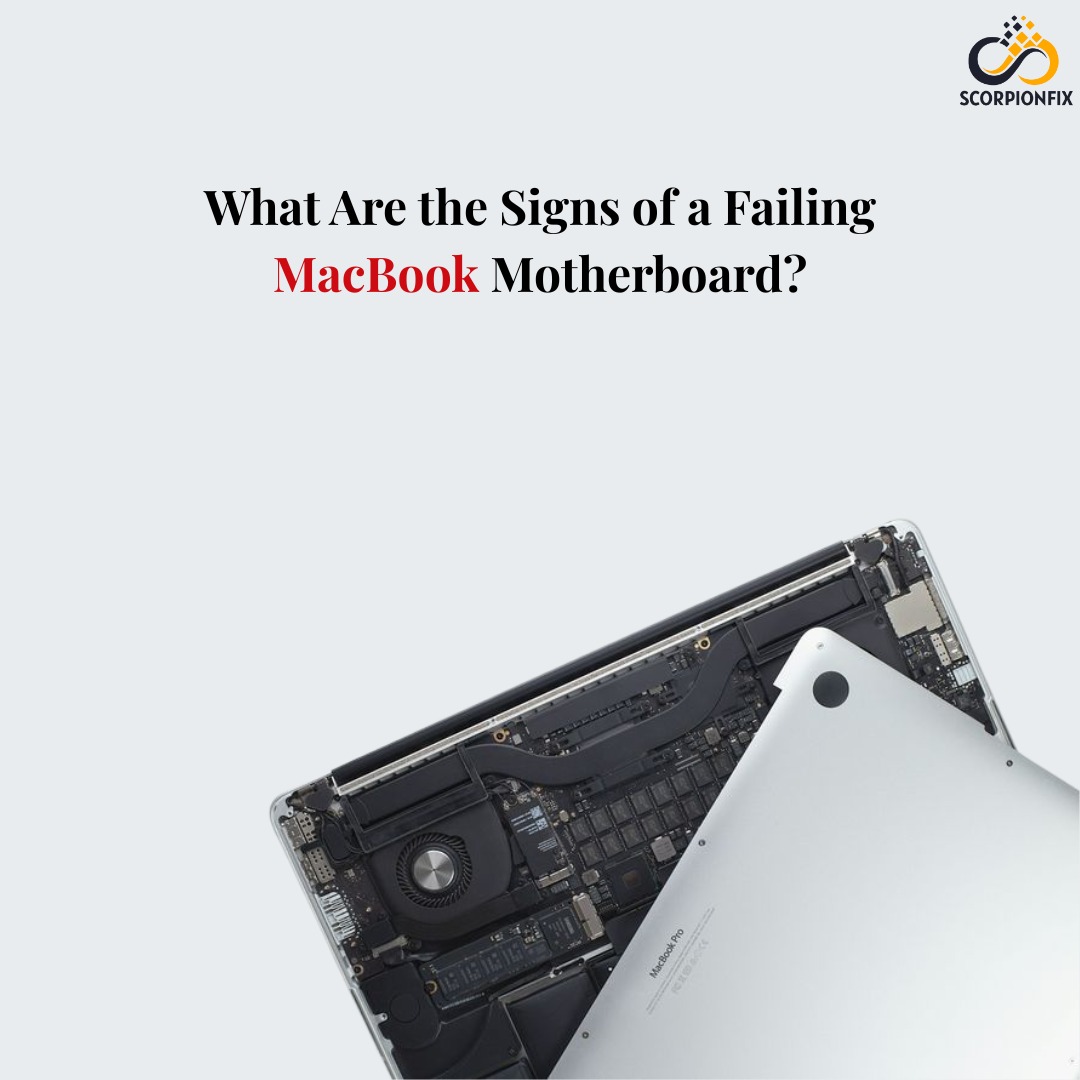
What Are the Signs of a Failing MacBook Motherboard?
When your failing MacBook motherboard starts acting weird, slow, or downright uncooperative, it’s easy to assume the problem lies with the battery, the keyboard, or maybe even a simple software glitch. But sometimes, the real troublemaker is much deeper—the motherboard. And when the motherboard starts failing, the signs can be confusing, subtle, and sometimes alarming. Recognizing these signs early can save your device and prevent bigger repair bills. Many users searching for Macbook motherboard repair qatar often notice these symptoms without realizing they all point to one root problem.
A MacBook’s motherboard—also known as the logic board—is the heart of the entire system. It connects every component, manages communication, and keeps everything running smoothly. When it fails, your device struggles to perform even the simplest tasks. So, let’s break down the common signs of a failing motherboard in the most understandable and relatable way.
1. Your MacBook Randomly Shuts Down
This is one of the earliest and most frustrating symptoms. You might be working peacefully, watching a movie, or attending an online meeting — and suddenly, boom — your MacBook shuts off without any warning.
If the battery is healthy and the device doesn’t overheat, random shutdowns usually hint at a deeper hardware malfunction. A failing motherboard can cause unstable power distribution, triggering sudden power loss.
2. The MacBook Won’t Turn On at All
When your MacBook refuses to power on even after trying all the standard troubleshooting steps — resetting SMC, charging with a different adapter, or checking for battery issues — then the logic board might be the culprit.
A dead motherboard often interrupts the startup sequence, preventing the device from responding, lighting up, or even showing signs of charging.
3. Frequent System Freezing or Crashing
If your MacBook keeps freezing mid-task or apps crash repeatedly for no clear reason, the issue could be more than a software bug. Motherboard damage disrupts communication between the CPU, RAM, and storage components, causing the system to lag, freeze, or crash unexpectedly. This usually gets worse over time, especially if the internal chipset continues degrading.
4. Strange Burning Smell or Overheating
A burning smell is never a good sign. If you’ve ever noticed a slight electrical smell or felt your MacBook heating up abnormally — even during light usage — the motherboard may have a failing capacitor or damaged circuitry.
Ignoring this symptom may lead to complete board failure.
5. Charging Problems and Battery Issues
If the MacBook’s battery is completely fine but still won’t charge properly, the fault may lie in the motherboard’s power IC.
A failing motherboard can:
- Charge extremely slowly
- Not detect the charger
- Charge inconsistently
- Drain battery abnormally fast
In many cases, replacing the charger or battery won’t help because the real issue sits on the logic board.
6. Display Issues: Black Screen, Flickering, or Lines
When the motherboard’s GPU or display connectors malfunction, the screen may:
- Flicker
- Show vertical/horizontal lines
- Stay completely black
- Work only when the lid is moved
This often confuses users into thinking the display is broken, but the motherboard can very much be the real problem.
7. Ports Not Working Properly
USB ports, HDMI ports, headphone jacks, or even the charging port may stop functioning due to motherboard damage.
So if your accessories stop connecting or your charger only works at a specific angle, the logic board might need attention.
8. Wi-Fi or Bluetooth Suddenly Fails
Since your wireless functions are controlled through motherboard components, issues with Wi-Fi and Bluetooth connections can also be signs of failure.
If your device struggles to maintain stable connectivity or fails to detect networks entirely, the motherboard could be at risk.
9. MacBook Heats Up Extremely Fast
A motherboard with damaged components cannot regulate temperature properly. This leads to:
- Rapid overheating
- Loud fan noise
- Device becoming hot even with minimal usage
If the MacBook heats unnaturally fast, internal circuits may be damaged.
10. Unusual Sounds or Behavior from Internal Components
When internal components like the fan, speakers, or SSD start acting strangely, the motherboard may be failing to supply correct signals or power. This can include:
- Fan spinning at maximum speed all the time
- Speakers producing distorted sound
- SSD failing to read or write data
If multiple systems fail at once, the motherboard is the first suspect.
Why Professional Diagnosis Is Important
Motherboard issues are complex. Unlike replacing a keyboard or battery, logic board repairs require expert hands, micro-soldering tools, and detailed fault-finding techniques.
Trying to fix it yourself or delaying repairs can damage other components and raise your expenses.
This is where highly skilled repair centers become essential. Technicians with experience can accurately identify the root cause and repair it without unnecessary replacements.
Why Choose Professional Experts in Qatar?
If you’re in Qatar and notice any of these signs, choosing the right repair center becomes extremely important. Many users struggle to find trusted MacBook technicians who can diagnose and repair motherboard issues without suggesting full replacements.
That’s why professional centres like scorpionfix have built a reputation for providing reliable and long-lasting logic board repairs. With advanced tools and expert technicians, scorpionfix is known as one of the best laptop repairing service centers in Oman, offering high-quality solutions for even the most complicated motherboard issues.
A failing MacBook motherboard is no small issue, but catching the signs early can save your device. Whether it’s constant freezing, unexpected shutdowns, charging problems, or display issues, the motherboard often tells you something is wrong long before it completely dies. If you notice these symptoms and need expert help, especially if you’re searching for trusted Macbook motherboard repair qatar, make sure to choose a professional repair center that understands Apple’s complex hardware and provides reliable solutions.

Post Comment